How to Make Your Lab Website's Publications Page Worth Reading
Most lab publications pages are long citation lists that visitors skim and leave. Here are six practical fixes, from featured papers and plain-language lines to free versions, visuals and DOIs, plus a before and after of one entry.
Picture a prospective PhD student, a journalist or a program officer landing on your lab's publications page. They scroll past 140 citations in small grey type, click a title, hit a paywall and close the tab.
The list is not wrong. It is complete and correctly formatted. It just answers a question few visitors are asking ("what has this lab ever published?") and skips the one they are ("what does this lab find, and why should I care?").
Here are six changes that turn a citation dump into a page people read. None of them needs a redesign.
Six Fixes for Your Publications Page
1. Lead with three to five featured papers
Put a short "Featured" block at the top and keep the full list below it. Pick the papers you would want a stranger to read first: your strongest recent result and the paper that defines where the lab is heading.
Three to five is enough; any more and the block becomes another list. Collaborators and hiring committees still need the complete record, so keep it, just lower down.
2. Write one plain-language line per paper
Under each featured title, add one sentence in plain words: what you found and why it matters. Not the abstract. One sentence a curious friend outside your field would follow.
This is the most valuable change on the page and the hardest to write. We walk through how to write a plain-language summary step by step; write the summary, then compress it to one line.
3. Link to a version anyone can open
A link that ends at a paywall is a dead end for a visitor without a subscription. Where you are allowed to, also link a free version: the preprint, or the accepted manuscript in your institutional repository.
What you may share depends on the journal, so check first. Open Policy Finder is the Jisc service that combines the old Sherpa services, including Sherpa Romeo. A journal's policy record sets out how the article can be made open access for the published, accepted and submitted versions, and the glossary explains terms like "accepted version" and "embargo period".
Policies change, so check each new paper, and ask your library when in doubt.
4. Add one visual or short media item per paper
A key figure, a graphical abstract, a short video or an audio clip gives visitors a second way in. Someone who skips a sentence about working memory may still stop at a chart that shows it.
Keep it to one item per featured paper, with alt text and a plain caption. If you reuse a published figure, check the licence during the policy lookup in step 3.
5. Keep author names and DOIs
Plain language does not mean dropping the scholarly record. Keep the full author list, the venue, the year and the DOI. A DOI is a persistent identifier, a long-lasting reference to the paper, so link it in the https://doi.org/... form rather than a copied journal URL.
6. Make it easy to update
Keep featured entries in one place (a page file, a CMS block or a shared sheet) with the same fields every time: title, plain line, authors, venue and year, DOI, free version, visual.
Then make it someone's job. Whoever submits the paper drafts its entry the week it is accepted, and the PI rotates the featured block once a term.
Before and After: One Entry
Say your lab published a psychology paper on shift work and memory (the paper, authors and journal here are made up). Here is the entry as most lab sites show it:
Rivera M, Chen L, Okafor B, et al. Rotating shift schedules and working memory in hospital night staff. Example Journal of Sleep Research. 2025;12(3). doi:10.xxxx/example
And here it is as a featured entry:
- Rotating shifts and working memory in hospital night staff
- What we found: nurses on rotating schedules did worse on a working-memory task than nurses on fixed nights, which matters for how hospitals plan rotas.
- Rivera M, Chen L, Okafor B, et al. Example Journal of Sleep Research, 2025. DOI: 10.xxxx/example
- Free to read: accepted manuscript in the university repository.
- One figure comparing the two groups, plus a 60-second video.
Same paper, same citation. The second version tells a visitor within a few lines whether to keep going, and gives them a way in.
Where Amplify Fits
Steps 2 and 4 are where most labs stall: plain copy and a visual for every featured paper take time nobody has. That is the part Amplify takes on.
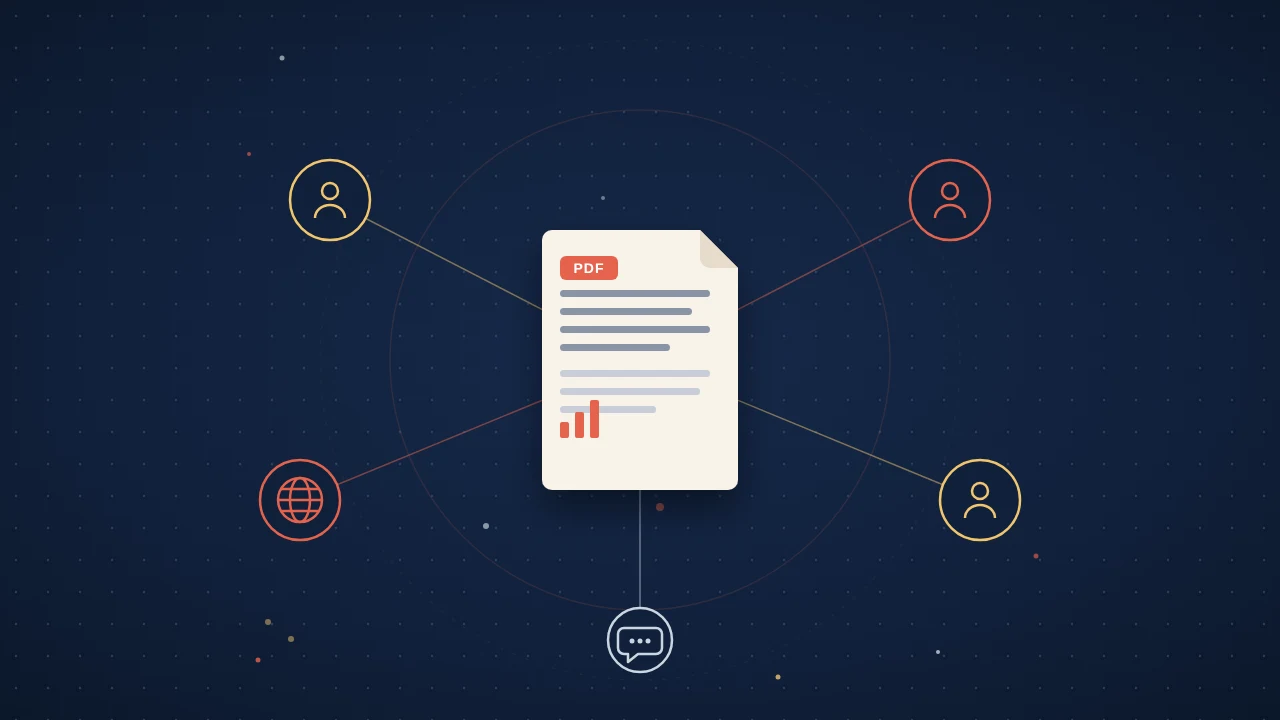
You upload the PDF, and Amplify makes four formats from that paper and nothing else: a video abstract of about 3 minutes, a 45 to 60 second vertical short, an audio brief (English, plus 21 more languages on request) and a one-page infographic. Each carries the title, the authors and a link back to the paper of record, and nothing goes live until you approve it.
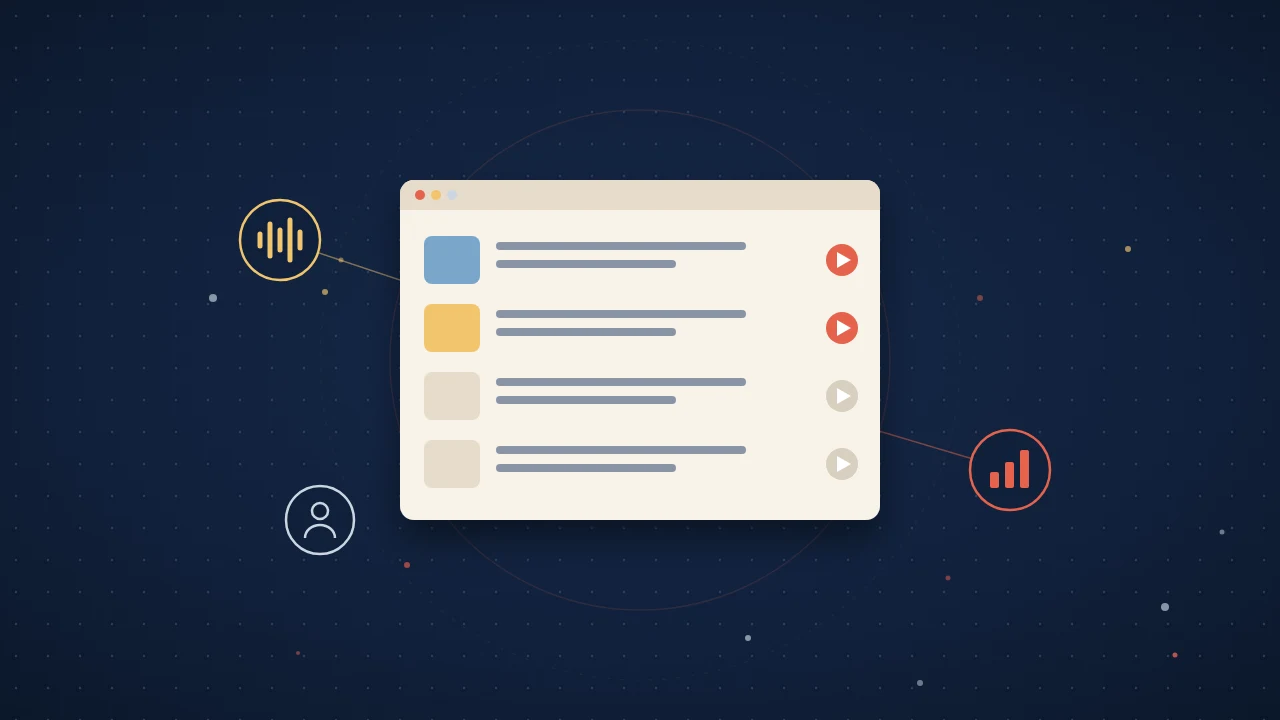
On your site, the widget is one script tag per page and one marker per paper. Add a marker to each featured entry and it becomes a reader that plays the audio brief, shows the video and infographic, and answers questions about the paper, without visitors leaving your lab site. The analytics show which papers people actually open, read and listen to, which tells you what belongs in the featured block next term.
Start With One Paper
You do not need to rebuild the page this week. Pick your best recent paper, write its one line, find a free version you may share, and add one visual. Next month, do the next one. By the end of term, the top of your page will say what your lab finds, not just what it has published.
Quick answers
How should I organize the publications page on my lab website?
Lead with three to five featured papers and keep the full citation list below them. Choose your strongest recent result and the paper that defines where the lab is heading, and give each a plain-language line, a free version where allowed, one visual and the DOI. Collaborators and hiring committees still need the complete record, so keep it lower down.
Which version of my paper can I link for free on my lab website?
It depends on the journal, so check its policy before you link the preprint or the accepted manuscript in your institutional repository. Open Policy Finder, the Jisc service that combines the old Sherpa services including Sherpa Romeo, sets out how the published, accepted and submitted versions can be made open access. Policies change, so check each new paper and ask your library when in doubt.
Should I include DOIs on my lab publications page?
Yes, keep the DOI along with the full author list, the venue and the year. A DOI is a persistent identifier, a long-lasting reference to the paper, so link the DOI itself rather than a copied journal URL. Plain language does not mean dropping the scholarly record.
How often should I update my lab website publications page?
Add each new paper the week it is accepted, and rotate the featured block once a term. Make it someone's job: whoever submits the paper drafts its entry, and the PI rotates the featured block. Keep featured entries in one place, such as a page file, a CMS block or a shared sheet, with the same fields every time.