How to Promote a Machine Learning Paper Beyond arXiv
Practical ways to get a machine learning paper read beyond the daily arXiv listing: a project page, responsible code and model release, Hugging Face paper pages, threads, demos and conference assets. Each step works on its own, with or without extra tools.
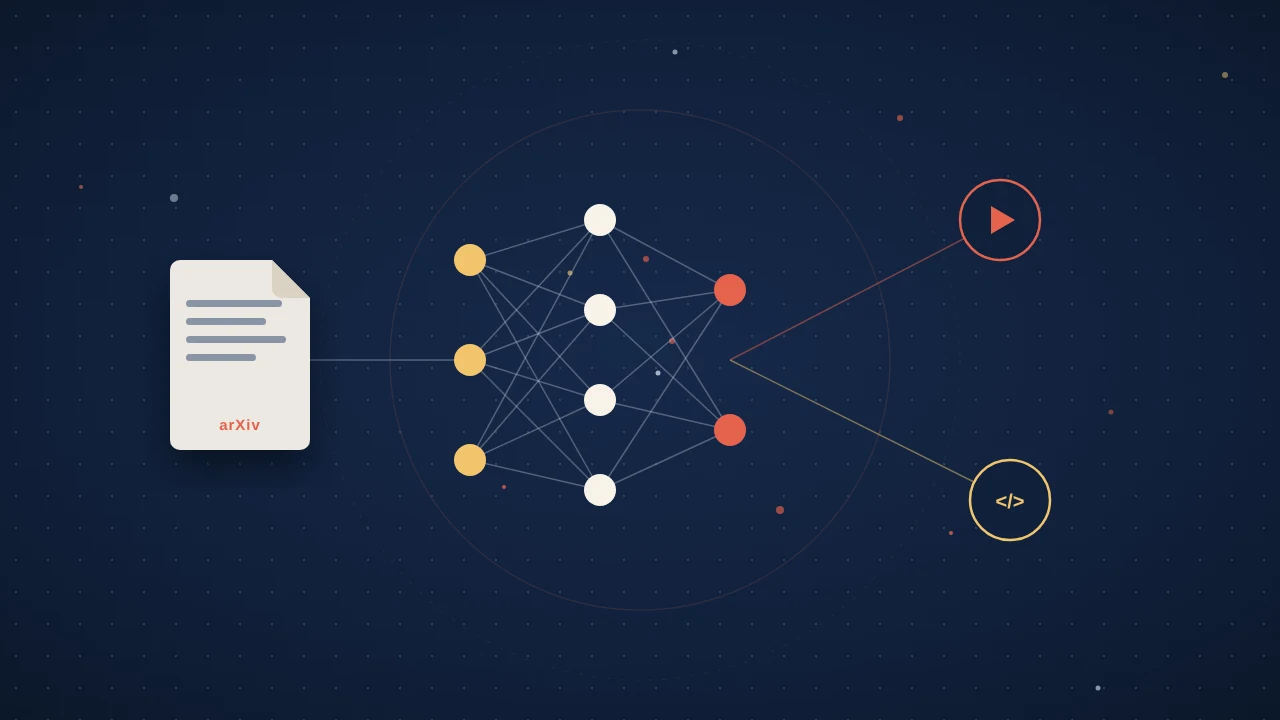
You post to arXiv on a Tuesday night. The paper took a year. By Wednesday morning it is one line in a listing, sitting among hundreds of other new papers, and the people you want to reach scroll past.
That is not just a feeling. arXiv's own monthly submission statistics record 32,040 new submissions in June 2026 alone, across all subjects. That is more than a thousand a day.
A good paper and a found paper are not the same thing. Here is what helps an ML paper get found, read and reused, roughly in the order to do it.
Build One Project Page
Give the paper a single URL that holds everything. It is the link you want people to share, because it works for a reviewer, a practitioner and a hiring manager alike. Keep it to one page:
- A teaser figure at the top: the one image that shows what is new.
- A short video, 1 to 3 minutes, that walks through the idea.
- Links to the paper, code, weights, data and any demo.
- Three or four plain sentences on what the method does and where it fails.
- A BibTeX block people can copy in one click.
Then put that URL in your README, slides, profiles and email signature.
If your code is on GitHub, add a CITATION.cff file too. GitHub adds a "Cite this repository" link to the repository sidebar with APA and BibTeX formats, and a preferred-citation section lets you point people to the paper rather than the software.
Release Code and Models Responsibly
Code that runs is one of the strongest signals an ML paper can send. Code that half runs becomes a support queue. Hugging Face's model release checklist is a good pre-flight list even if you host elsewhere. Items worth doing every time:
- Write a model card covering intended uses, limitations, biases, training details, datasets and evaluation results (see the model cards docs).
- State the license clearly, so people know what they are allowed to do.
- Prefer safetensors over pickle for weights.
- If access needs conditions, gate it and say plainly what the conditions are.
- After release, test your code snippets in a clean environment.
Most of the "responsible" part is honesty: say what the model should not be used for and where it breaks. Easy-to-find limitations make the rest easier to trust.
Use Your Hugging Face Paper Page
Hugging Face paper pages collect the models, datasets and Spaces linked to an arXiv paper, and give the community a place to discuss it. At the time of writing (October 2026), they support arXiv papers only.
Three things to do:
- Index the paper if it is not there yet: search for its title or arXiv ID on the Papers page, or visit hf.co/papers/ followed by the ID.
- Link the paper in your model or dataset README. The Hub extracts the arXiv ID and adds it to the repository's tags, which connects the two.
- Claim authorship. The Hub tries to match authors by email; if it misses you, click your name on the paper page and choose "claim authorship," and the page shows as verified once the team confirms it.
The same Papers page runs a Daily Papers feed, where community members submit papers and others upvote and comment. If your paper appears there, answer questions in the discussion.
Write a Thread With One Visual per Claim
On X or Bluesky, a thread works when each post stands on its own:
- The result in one sentence, the teaser figure and the project page link.
- One post per claim, each with the single plot or example that supports it.
- One post on limitations, because the readers worth reaching will ask anyway.
- A last post with the paper, code and models, and thanks to your coauthors.
Skip the screenshot of your abstract, and add alt text to every image.
Make a Short Demo or GIF
A 5 to 15 second loop that shows an input and an output does more than a paragraph of method. Use it in the README, the thread and the project page. An interactive Space, which the Hugging Face checklist suggests, lets people try it themselves.
Prepare Conference Assets Early
If the paper is accepted, expect a poster and often a short recorded talk. Requirements differ by venue, so check your venue's own author instructions. Put the one-sentence takeaway at the top of the poster in large type, let the figures carry the rest, and add a QR code to the project page.
Write One Plain-Language Post
Many people who could use your work sit outside your subfield: engineers in industry, researchers in the next field over, policy staff, journalists. Write about 600 words for them: the problem, what you found, what it does not show, and where to get the code.
To spread all of this over a month instead of one launch week, follow our 30-day plan for promoting a research paper.
Where Amplify Fits
The video, the vertical clip and the poster companion take longest to make and usually land at the bottom of the list. Amplify takes on that part. One order covers one paper in four formats:
- A video abstract, 16:9 and about 3 minutes, for the top of your project page.
- A vertical short, 9:16 and 45 to 60 seconds, for LinkedIn, Instagram, YouTube Shorts and conference screens.
- An audio brief in English, with 21 more languages on request (22 in total).
- A one-page, print-ready infographic.
Everything is generated from the PDF you upload and nothing else, and every piece carries the title, the authors and a link back to the paper of record. A person reviews every format before release, and nothing goes out until you approve it.
An embeddable widget, one script tag per page, drops the formats onto your project page, where readers can read, listen and ask questions about the paper without leaving. Analytics show reads, listens, questions asked, languages, and which format people engaged with, which helps when a grant report asks about broader impact.
The papers that travel are easy to understand in a minute, easy to run in an afternoon and easy to find from one link. Pick the moves that fit your paper and do them in the first weeks after release, while people are still looking.
Quick answers
How do I get my machine learning paper noticed beyond arXiv?
Start with a single project page that holds everything, and share that link. arXiv's own monthly submission statistics record 32,040 new submissions in June 2026 alone, across all subjects, so one line in the listing is easy to miss. The page should have a teaser figure, a 1 to 3 minute video, links to the paper, code, weights, data and demo, and a BibTeX block.
How do I add my arXiv paper to Hugging Face paper pages?
Search for its title or arXiv ID on the Hugging Face Papers page to index it, if it is not there yet. Then link the paper in your model or dataset README, so the Hub adds the arXiv ID to the repository's tags, and claim authorship if the Hub did not match you by email. At the time of writing (October 2026), paper pages support arXiv papers only.
What should I check before releasing code and model weights with my paper?
Hugging Face's model release checklist is a good pre-flight list, even if you host elsewhere. Write a model card covering intended uses, limitations, biases, training details, datasets and evaluation results, state the license clearly, prefer safetensors over pickle for weights, gate access if it needs conditions, and test your code snippets in a clean environment after release.
How should I write an X or Bluesky thread about my ML paper?
Make each post stand on its own, with one visual per claim. Open with the result in one sentence, the teaser figure and the project page link, then give each claim its own post with the plot or example that supports it. Add one post on limitations, finish with the paper, code, models and thanks to your coauthors, and add alt text to every image.