Tools Researchers Use to Explain Complex Findings to the Public
Most advice on explaining research says what to do, not which tool does which part. This guide maps checked tools to each job: plain-language checks, figures and their licence rules, captioned video, and outlets that reach the public.
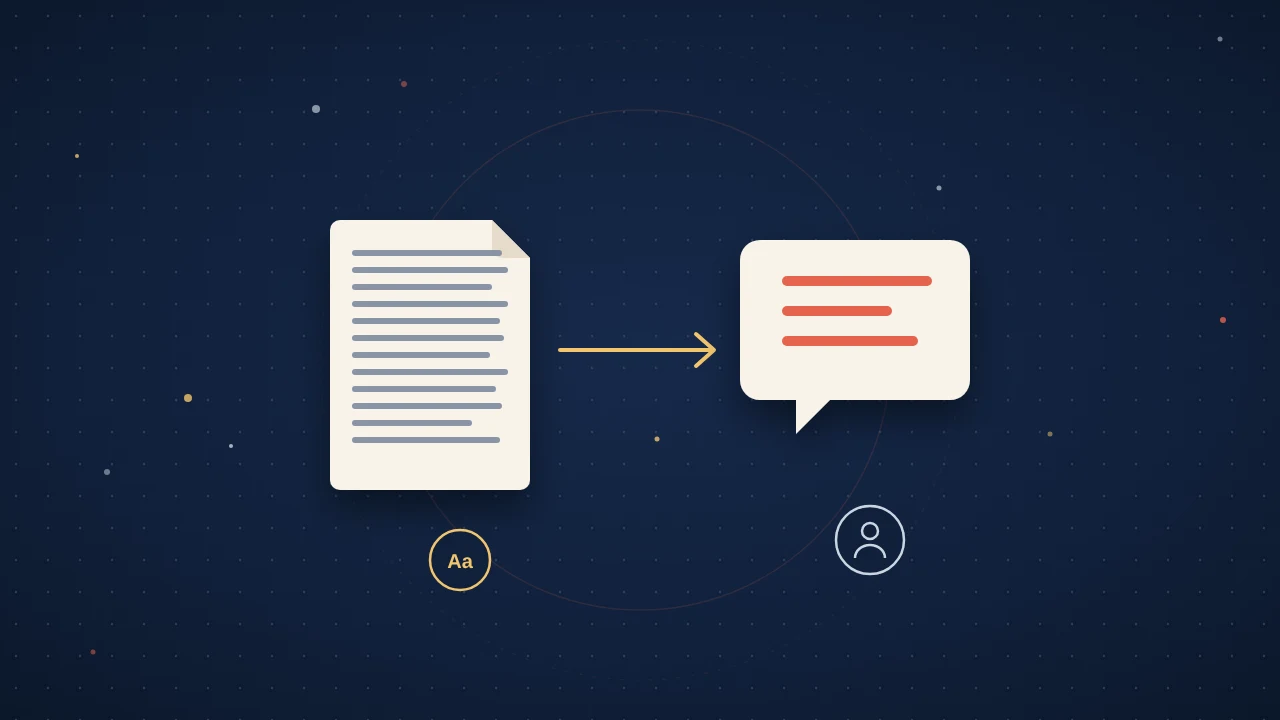
A community group, a journalist or your own department asks for a version of your paper "for the public". You know the advice: cut the jargon, lead with the finding, add a picture. What the advice rarely says is which tool does which part, what it costs, and what its licence lets you do with the result.
This guide sorts the tools researchers actually use to explain research to the public by the job each one does. Every price and rule below was checked on the tool's own pages in October 2026, and they change, so check again before you pay for anything.
Words First: Plain-Language Checkers
Every other format is built on the plain-language version of your finding, so start there. If you have not written it yet, our guide on how to write a plain language summary walks through it. These tools check the draft once it exists.
- Hemingway Editor. The free readability checker "instantly shows the grade level of your writing and highlights sentences that are hard to read," and suggests that "an 8th-grade level is a great target." At the time of writing, its paid AI tier, Hemingway Editor Plus, starts at US$100 a year for an individual.
- Microsoft Word. If you already write in Word, its readability statistics report the Flesch Reading Ease and Flesch-Kincaid Grade Level scores. Microsoft suggests a Reading Ease score "between 60 and 70" and a grade level of "around 7.0 to 8.0".
- Simple Writer. Randall Munroe's word checker turns any word outside the ten hundred most common English words red. It is too strict for a real summary, but ten minutes with it shows you which of your words a non-specialist will stumble on.
A useful benchmark comes from the study behind the De-Jargonizer, a jargon-counting tool built by researchers at the Technion and the Holon Institute of Technology. The PLOS ONE paper by Rakedzon and colleagues cites a "recommended 2% jargon word coverage", and found that lay summaries in PLOS Computational Biology and PLOS Genetics averaged 8% and 12% jargon. Even summaries written for lay readers usually have room to cut.
Figures and Infographics: Read the Licence Before You Draw
A figure tool decides more than how your picture looks. Its plan decides whether you can publish the figure at all, and where. Here is what the main tools say at the time of writing (October 2026):
| Tool | Good for | Free plan | Paid plans | Rule to know |
|---|---|---|---|---|
| BioRender | Life-science schematics | "No commercial use or publication" | Academic Individual US$35 a month paid annually, or US$39 monthly | On an Individual plan, a middle author cannot publish the figure |
| Mind the Graph | Graphical abstracts, science infographics | Watermark is mandatory and Mind the Graph must be cited in the figure legend and/or acknowledgments | Premium subscribers get "full rights to their creations" | See the live pricing page before you buy |
| Canva | Layouts, social graphics, simple video | Free tools, including auto captions | See Canva's live pricing page | Canva Education is for K-12 only and excludes universities |
| Piktochart | Infographics and reports | 2 PNG downloads | Pro US$10 per member a month billed annually, or US$15 monthly | An Education plan starts at US$39.99 a year with a valid educational email |
Three of these rules catch researchers out.
- BioRender and author order. BioRender's help centre says that on an Individual plan, "If you're a middle author, or not listed as an author, you cannot publish the figure." If a student made the figure on their own plan, check whose licence covers the paper.
- Figures on websites. BioRender's website guidance allows non-profit organisational websites from the Academic Individual plan up, and asks for the credit "Created with BioRender.com" online.
- Canva at universities. Canva's eligibility guidelines exclude "College and university students" and higher-education lecturers and staff from Canva Education. Universities can buy Canva Campus instead, which includes a free student team, with pricing for faculty and staff "aligned with Canva Enterprise pricing".
For when a single image is the right format at all, see video vs graphical abstract vs audio summary.
Video and Audio Without a Studio
A short talking-head video recorded on a phone, with good captions, does more for most papers than a polished animation nobody finishes. The caption step is where free tools help most:
- YouTube. It can create captions automatically with speech recognition, but its own help page says to "always review automatic captions" and that they "may not be ready at the time that you upload a video."
- Canva. Its auto caption generator is free, and its help page warns that unclear speech, background noise or music can cause errors.
- Adobe Express. On its US pricing page, the free plan allows videos up to 30 minutes and Premium, at US$9.99 a month, allows videos up to 2 hours.
If you are weighing AI tools that turn a whole paper into a video, our honest comparison of AI paper-to-video tools covers them, and NotebookLM audio overviews has its own guide.
Outlets That Put Your Explanation in Front of People
Tools make the explanation. An outlet gets it read.
The Conversation publishes articles written by academics with professional editors. Its Canada pitch page asks whether you are employed as a researcher or academic with a university, says master's students may only write as co-authors with a professor as lead author, and says it does not publish college or CEGEP professors. Its pitching tips boil the pitch down to one question: "In one line, what is it you have discovered, or what are you arguing?" The UK edition's pitching guide says pieces run to around 800 words; in Canada, your editor sets the word count in the brief. The site says it only publishes once you have approved the final edited version. Its Australia and New Zealand author guide says contributors are not paid. What you get instead is reach: other outlets can republish articles free under a Creative Commons Attribution/No derivatives licence, and republishers "can't edit our material" beyond small changes of time, place and house style.
Your university press office is the route to news coverage. EurekAlert!, the news-release service run by the AAAS, only lets public information officers at eligible organisations post releases, so a researcher cannot post there directly. Some universities also keep a list of experts for journalists. The University of Toronto's media tips for researchers describe its Blue Book, which "enables media to find you and reach you easily."
A Simple Order of Work
If you are starting from a finished paper and an afternoon, this order wastes the least time:
- Write the one-sentence finding and a 150-word plain-language version, then run it through a readability checker.
- Make one figure that shows the finding, on a plan whose licence covers where you will use it.
- Record a 60-second phone video saying the finding, and caption it.
- Put all three on one page about the paper, so every outlet and post can link to the same place.
- Pitch The Conversation or talk to your press office if the finding has news value.
Where Amplify Fits
The steps above can mean five or more tools, and as many sets of terms, for one paper. Amplify does several of those jobs from a single input: the PDF you upload. It generates a video abstract of about 3 minutes, a vertical short of 45 to 60 seconds, an audio brief in English (with 21 more languages on request), and a one-page, print-ready infographic, using that file and nothing else, with no open-web filler.
Every piece carries the title, the authors and a link back to the paper of record. Each format arrives as three variants you can edit line by line, a person reviews every format before it is released, and nothing publishes until you approve it. You keep ownership of your work, and ResearchBunny does not train on it.
The embeddable widget is one script tag on your own page, so the video, audio and infographic sit beside the paper, and readers can ask questions about it without leaving. Its analytics show reads, listens, questions asked and languages, which helps when someone asks whether the public engagement worked.
Explaining research to the public is mostly a writing job with a few tools around it. Get the sentence right, pick tools whose terms fit where the work will go, and give everything one home on the web.
Quick answers
What readability score should a public summary of research aim for?
Aim for roughly a grade 7 to 8 reading level. Microsoft's Word guidance suggests a Flesch Reading Ease score between 60 and 70 and a grade level of around 7.0 to 8.0, and Hemingway's free checker calls an 8th-grade level a great target. Treat the score as a check after writing, not a goal to write towards.
Can I use BioRender figures from the free plan in a journal article?
No. At the time of writing (October 2026), BioRender's pricing page says its free plan allows no commercial use or publication. On an Individual plan, BioRender's help centre says a middle author, or someone not listed as an author, cannot publish the figure, so check who holds the licence before you submit.
Does The Conversation pay researchers to write for it?
Not according to its Australia and New Zealand author guide (December 2021), which says contributors are not paid. In return, its editors work with you on the piece, nothing is published until you approve the final edited version, and other outlets can republish it free under a Creative Commons Attribution/No derivatives licence, so they cannot change the substance of your piece.
Is Canva Education free for university researchers?
No. At the time of writing (October 2026), Canva's eligibility guidelines limit Canva Education to K-12 teachers and institutions and exclude college and university students and higher-education staff. Universities can buy Canva Campus, which includes a free student team, with faculty and staff pricing aligned with Canva Enterprise.